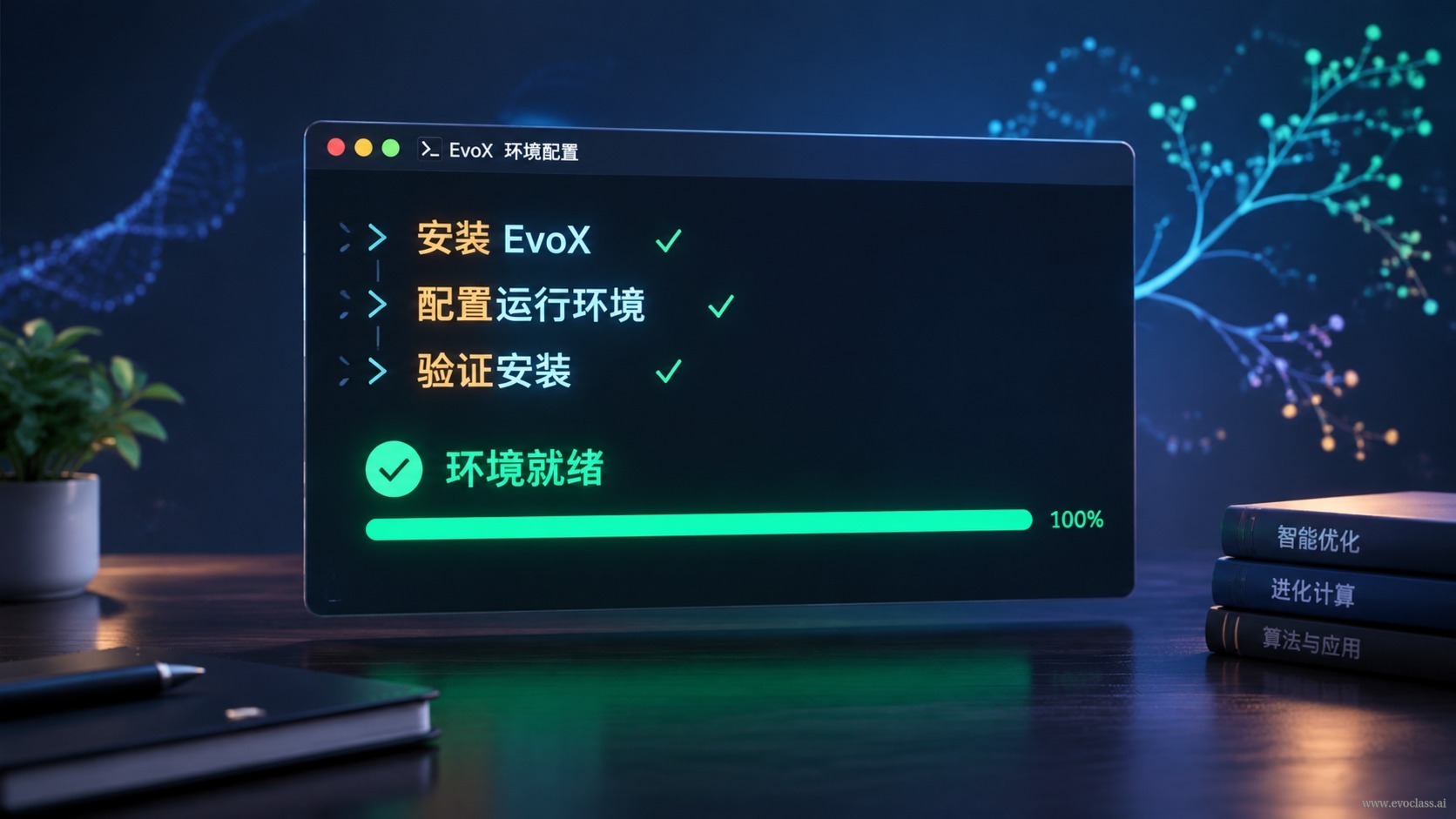
This page covers the shortest path from scratch to your first working EvoX environment : complete installation and basic configuration with as few commands as possible, then verify with an import and a minimal example to confirm that EvoX can actually be called by your task. Remember one thing—installing it doesn't mean it runs. You've only truly gotten started once all four steps produce real output.
Step 1: Isolate First, Then Install
Before installing any package, create an isolated Python environment with venv or conda. Packages in the global environment are shared by all projects, and once versions conflict, debugging becomes extremely costly. An isolated environment is like giving EvoX its own workbench: if something breaks, just delete and rebuild it without affecting other projects.
- Environment isolation comes first: create the environment with python -m venv .venv, then activate it (on Windows, use the activate script in the Scripts directory).
- Upgrade the package manager first: run pip install -U pip after activation to avoid errors when an outdated pip resolves dependencies.
Step 2: Install EvoX
Installation is usually just one command: pip install evox, though you can also install via conda or from source.Package names, versions, and download sources must always follow the official release—package names from different sources may differ by only a character or two, and a typo can install the wrong package or an incompatible older version. An installation with no red errors only means it was "installed," not that it "works," so don't stop at this step.
Step 3: Keep Basic Configuration Minimal
You don't need to tune every parameter on your first attempt—just confirm four starting points: whether the Python version meets official requirements, whether dependency versions are mutually compatible, whether this experiment uses CPU or GPU, and whether the random seed is fixed. The first two determine whether the program runs correctly; the last two determine whether results can be reproduced.
Step 4: Finish with Verification
The most reliable way to validate is not to check for red errors in the terminal, but to let EvoX actually run: first import evox and print the version to confirm the package is loaded from the current environment; then run a minimal example or complete one round of evolutionary iteration to confirm it can be called correctly by your task. Only when both produce real output is the environment truly configured.
Let AI Help, but You're the Gatekeeper
You can tell AI your OS, Python version, and hardware details and have it generate installation, configuration, and troubleshooting commands—this can save a lot of time digging through docs. But be careful: any package names, version combinations, and system-level operations suggested by AI must be verified against the official documentation and version matrix before execution, especially commands that modify system configuration or uninstall dependencies.
Reproducibility boundary: record the install commands, environment dependency files, and version numbers. The most common consequence of juggling multiple environments is "runs on my machine, fails on another," and documentation is the only low-cost safeguard.
EvoX Installation and Configuration ExampleThe diagram presents the shortest getting-started path in terminal commands: first create and activate an isolated virtual environment, upgrade pip, then install with pip install evox, afterward confirm the minimal configuration—Python version, dependency compatibility, CPU or GPU, and random seed—and finally verify by importing and printing the version and running a minimal example. The core takeaway is that installing it doesn't mean it runs; you've only truly gotten started once all four steps produce real output.